How to Install IPTV on Firestick: Step-by-Step
Complete guide to installing and setting up IPTV on Amazon Firestick in just 5 minutes.
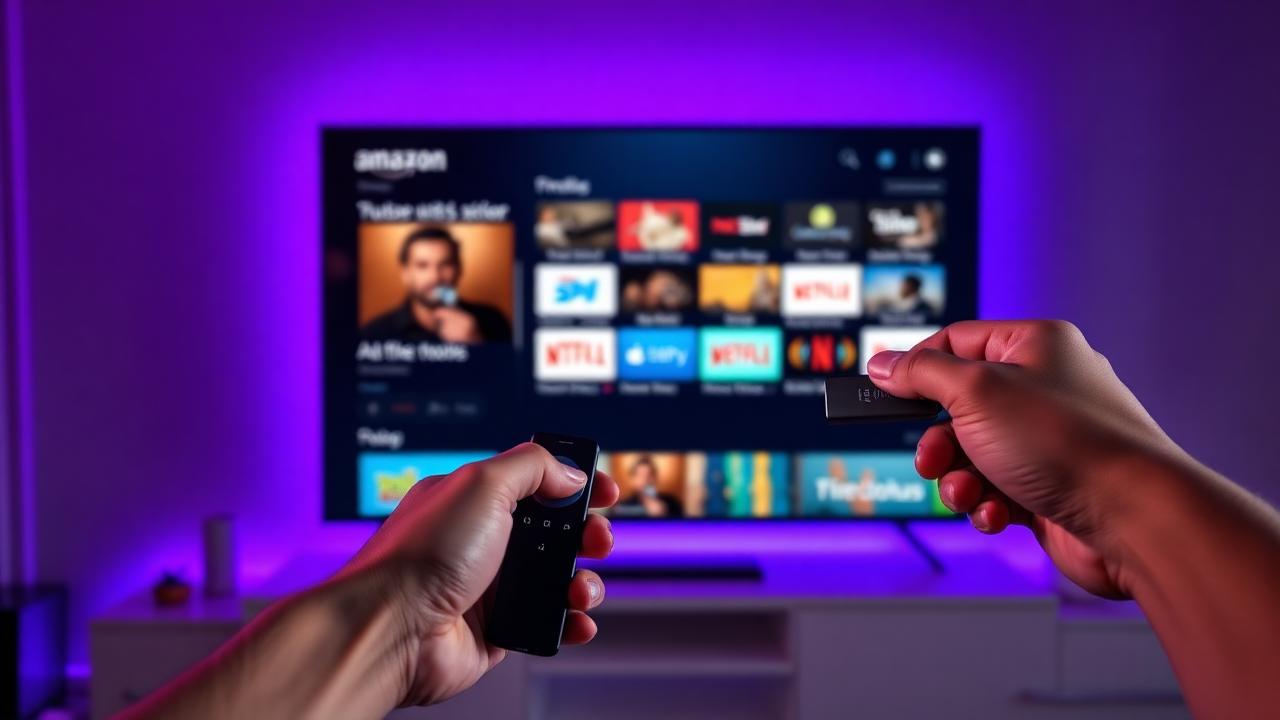
Amazon Firestick is the #1 device for streaming IPTV. This step-by-step guide will have you watching your favorite channels in just 5 minutes—no technical skills required.
What You'll Need (Prerequisites)
Before you begin, make sure you have everything ready for a smooth installation.
✅ Prerequisites Checklist:
- 🔥 Amazon Firestick — Any model works (4K, 4K Max, Lite, or standard)
- 📧 Active IPTV subscription — Have your credentials ready
- 📶 Stable internet connection — Minimum 25 Mbps for HD streaming
- ⚡ 5 minutes of your time — That's all it takes!
📌 Speed Recommendation
Step-by-Step Installation Guide
Follow these 5 simple steps to install IPTV on your Amazon Firestick.
Enable Developer Options
From your Firestick home screen, navigate to:
Settings → My Fire TV → Developer Options
If you don't see Developer Options, go to Settings → My Fire TV → About → Click on your device name 7 times to enable it.
Allow Apps from Unknown Sources
Toggle "Apps from Unknown Sources" to ON.
Optionally enable "ADB Debugging" for advanced features.
This allows you to install apps that aren't in the Amazon App Store.
Install the Downloader App
Return to the home screen and search for "Downloader" in the Amazon App Store.
Click Download → Install. It's completely free!
Download Your IPTV App
Open Downloader and enter the IPTV app URL provided by your service.
The app will download automatically. Click Install when prompted.
Enter Your Credentials & Start Watching
Open the IPTV app and enter your subscription credentials:
- Username/Password method, or
- M3U URL method
🎉 You're all set! Start browsing channels and enjoy!
⚠️ Security Note
Recommended IPTV Apps for Firestick
These are the best IPTV players for Amazon Firestick, tested for performance and compatibility.
🏆 IPTV Smarters Pro
The most popular IPTV player with a beautiful interface and excellent performance. Supports Xtream Codes API and M3U playlists.
Pros
- Clean, intuitive interface
- EPG (Electronic Program Guide) support
- Favorites and recording features
Cons
- Occasional ads in free version
⭐ TiviMate
A premium IPTV player with advanced features and the smoothest experience. Highly recommended for serious IPTV users.
Pros
- Fastest channel switching
- Modern, customizable interface
- Multi-EPG support
- Picture-in-picture mode
Cons
- Premium version costs $4.99/year
Troubleshooting Common Issues
Encountering problems? Here's how to fix the most common issues.
🔄 Buffering Problems
Solutions:
- Clear the app cache: Settings → Applications → [Your App] → Clear Cache
- Check your internet speed using a speed test app
- Try a different server if your provider offers multiple options
- Use an Ethernet adapter instead of WiFi
❌ App Won't Install
If the app fails to install, ensure "Apps from Unknown Sources" is enabled. Also check that you have enough storage space on your Firestick.
🔐 Login Issues
Double-check your credentials with your provider. Ensure there are no extra spaces when copying/pasting. Try the M3U URL method if username/password fails.
📺 No Channels Loading
This usually means your subscription may have expired or there's a server issue. Contact your IPTV provider's support for assistance.
Tips for Best Performance
Maximize your IPTV experience with these pro tips.
- Use Ethernet over WiFi — Connect your Firestick via an ethernet adapter for the most stable streaming, especially for 4K content and live sports.
- Clear cache regularly — Go to Settings → Applications → Manage Installed Applications → [Your IPTV App] → Clear Cache every few weeks.
- Keep your Firestick updated — Enable automatic updates to ensure you have the latest performance improvements.
- Disable unused apps — Free up resources by force-stopping apps you're not using.
- Use a VPN for privacy — A VPN can also help with ISP throttling in some cases.
💡 Pro Tip
📝 Quick Setup Summary
- Enable Developer Options and Unknown Sources
- Install the free Downloader app
- Download your IPTV app using the provided URL
- Enter your subscription credentials
- Use Ethernet for best performance
🔥 Get Your IPTV Subscription
Start streaming 40,000+ channels on your Firestick today
Start Free TrialReady to Try Premium IPTV?
Experience 24,000+ live channels, 80,000+ movies & series, and crystal-clear 4K streaming. Start your 36-hour free trial today.
No credit card required • Cancel anytime
Written by
IPTV Service Team
Our team of streaming experts is dedicated to helping you find the best IPTV solutions. With years of experience in the industry, we provide in-depth guides, reviews, and tutorials.
You Might Also Like
What is IPTV Service? Complete Guide 2026
Learn everything about IPTV services, how they work, and why they are the future of television streaming.
IPTV vs Cable TV: Which is Better in 2026?
A detailed comparison between IPTV services and traditional cable TV. Save money while getting more channels.